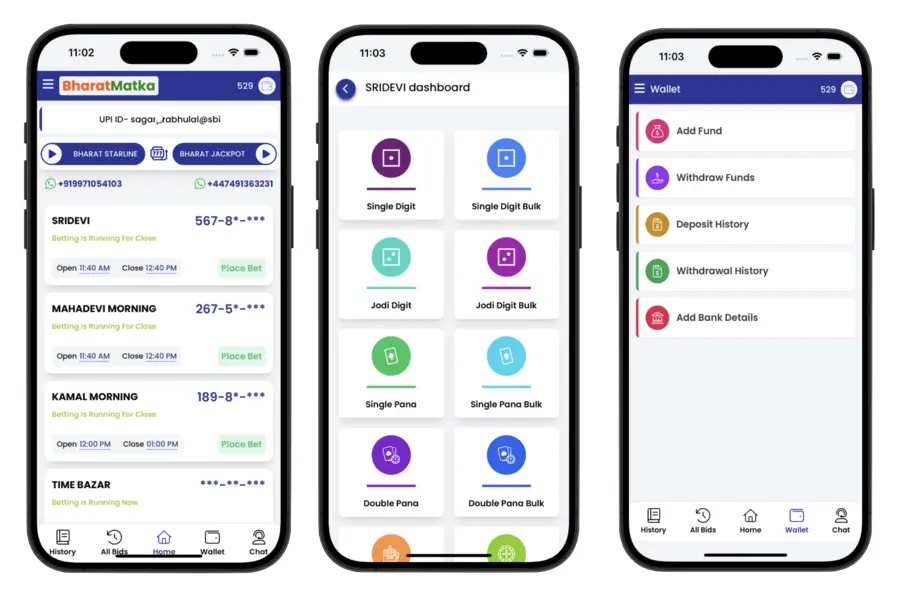
Bharat Matka brings the current market list and chart history together on one page. The live result section loads market-wise information from the connected feed, while Jodi and Panna links open dedicated chart pages for older records.
The layout is built for quick mobile reading: results stay in individual cards, chart links remain attached to the correct market, and the article content is separated from live data so visitors can tell general information apart from a current result update.
If a market has not received a complete value from the source yet, the page keeps that value incomplete rather than inventing a missing number. For older records, open the market-specific chart and confirm both the market name and the displayed date before reading an entry.
Jodi and Panna Charts
A Jodi Chart keeps the two-digit result history for one market. A Panna or Panel Chart keeps the three-digit panel values and the related Jodi result. Keeping the two chart types separate makes older records easier to read on smaller screens.
How to Check Old Results
- Find the market in the live result section or open the main Charts page.
- Select Jodi Chart for two-digit history or Panna Chart for panel history.
- Confirm the market heading at the top of the chart page.
- Read the date-wise rows for the period you want to review.